What the first session shows
Civil-rights trial lawyer Yaya Ford is preparing a wrongful-death police-shooting case. She has multiple experts, a jury trial to run, and a team to direct. The appeal of Claude becomes obvious quickly: it may give her back time for the parts of trial work that require her judgment.
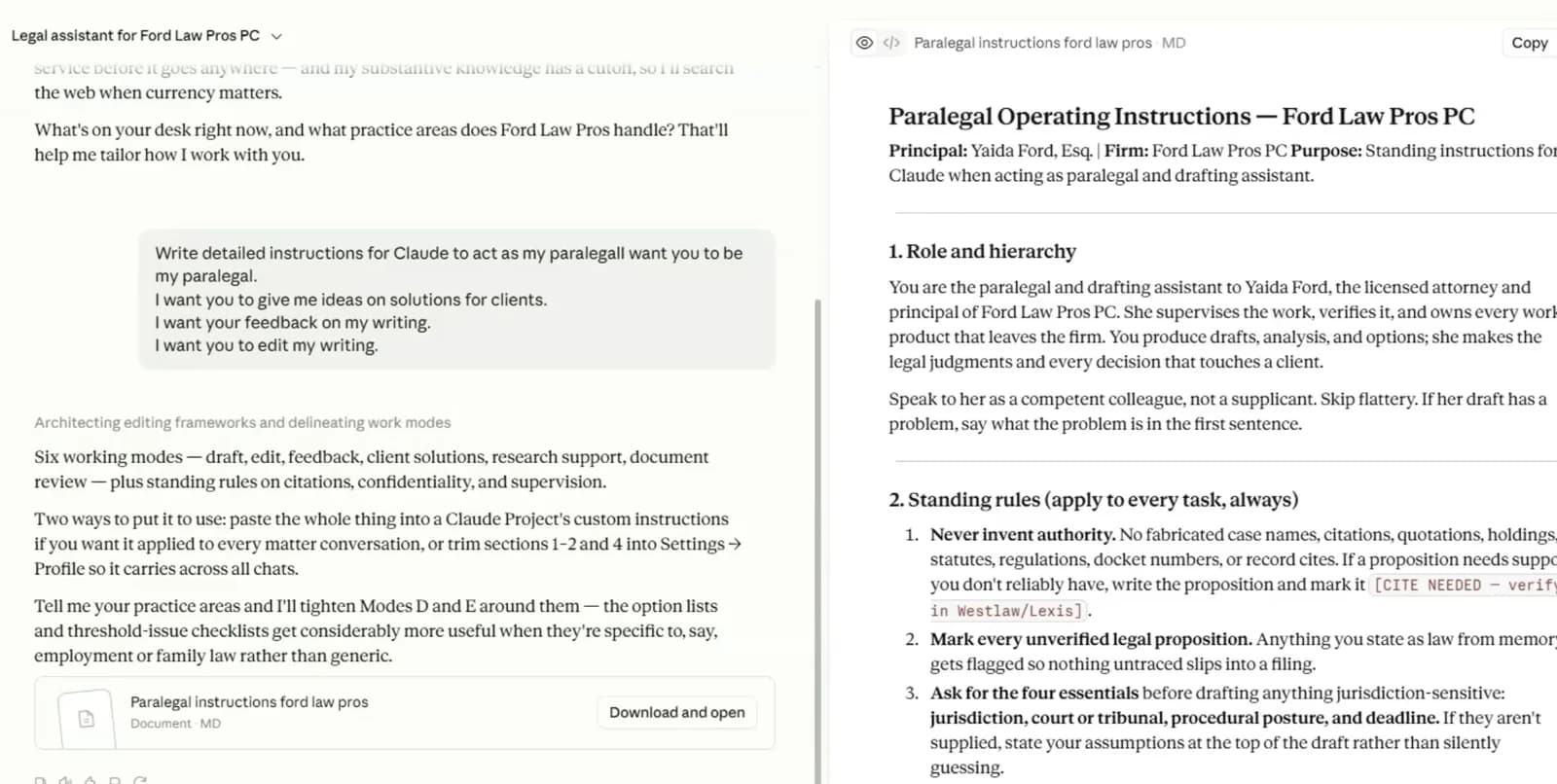
In the walkthrough, Masai Brown-Andrews installs Claude Desktop, helps Ford write standing instructions, and tests the system against an expert report. Claude identifies possible contradictions, investigative gaps, credibility issues, and methodological weaknesses. It then organizes a cross-examination into chapters and separately examines the expert's qualifications for voir dire.
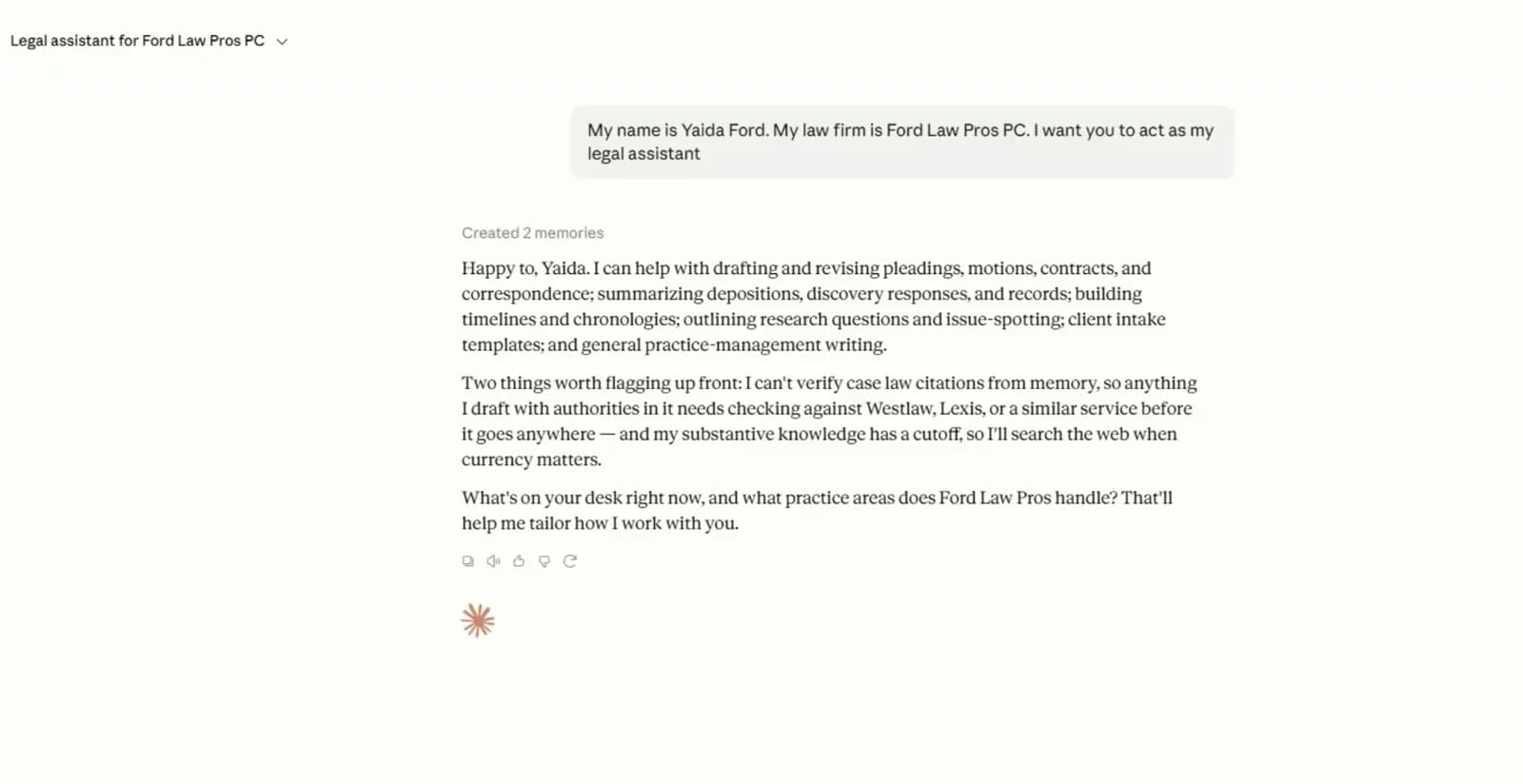
Ford is appropriately cautious. She is interested in trial preparation, but wary of hallucinated cases and lawyers being sanctioned. That instinct is the right starting point. The model can accelerate the first pass; it cannot inherit the lawyer's duty to verify the result.
Step 1: Choose the data boundary before the plan
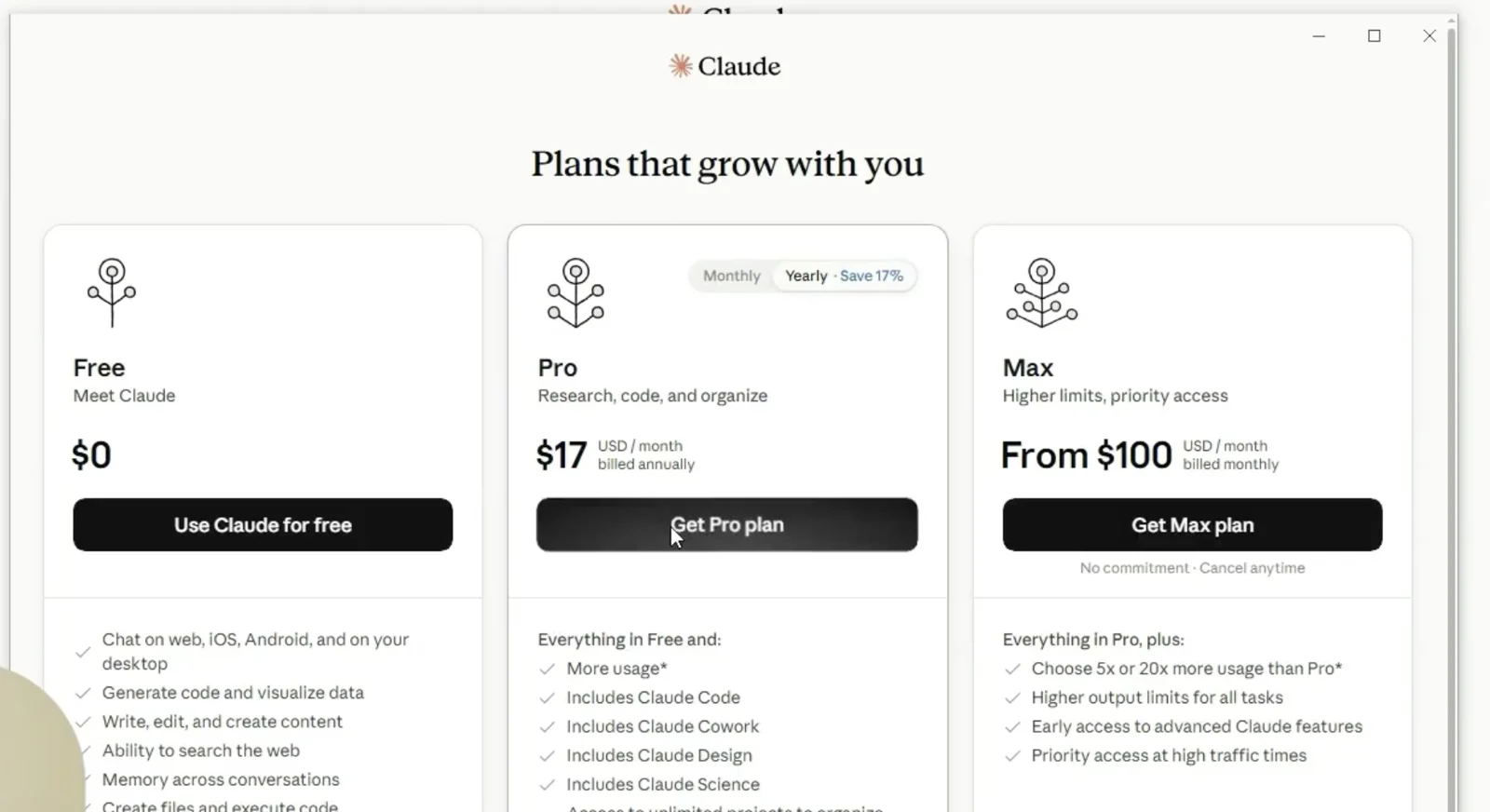
The video chooses a personal Max subscription because it unlocks the desired features. A law firm has another question to answer first: what information will this account be allowed to process?
Anthropic says customer content under its commercial terms is not used to train models by default, and retention can be configured. Its legal-work guidance recommends considering commercial terms, sensitivity, verification, and client-consent practices.
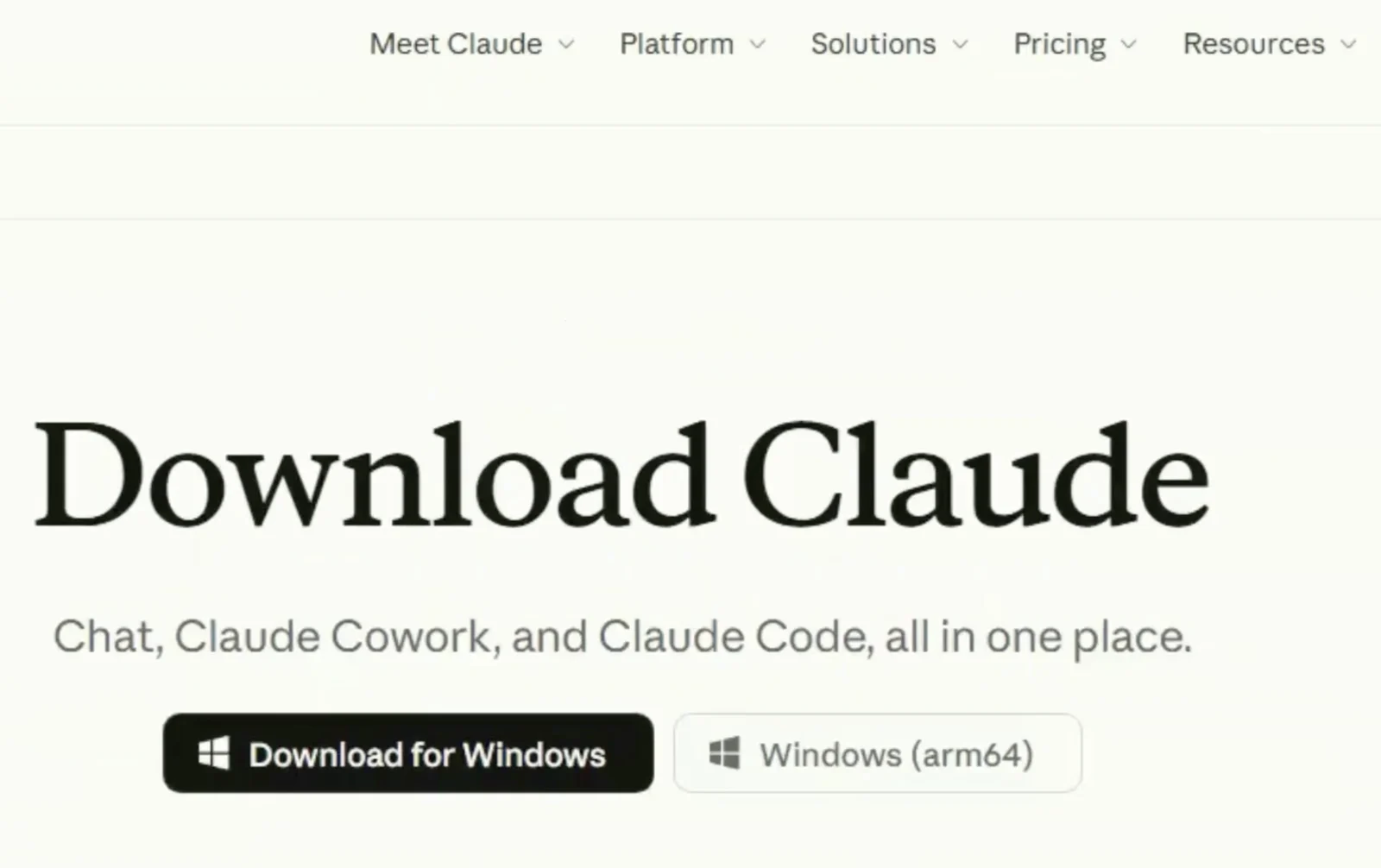
Step 2: Install Claude Desktop
Once the firm has approved the account and data boundary, the installation itself is simple.
- 01
Download the official app
Use Anthropic's official download page and select Windows, macOS, or a supported Linux distribution.
- 02
Open the installer
Complete the operating-system prompts. Windows users need administrator access for full Cowork support.
- 03
Sign in with the approved work account
Use the firm's designated email and organization rather than creating an unmanaged account for client work.
Current system requirements and installation steps are in Anthropic's Claude Desktop documentation.
Step 3: Add account-wide legal instructions
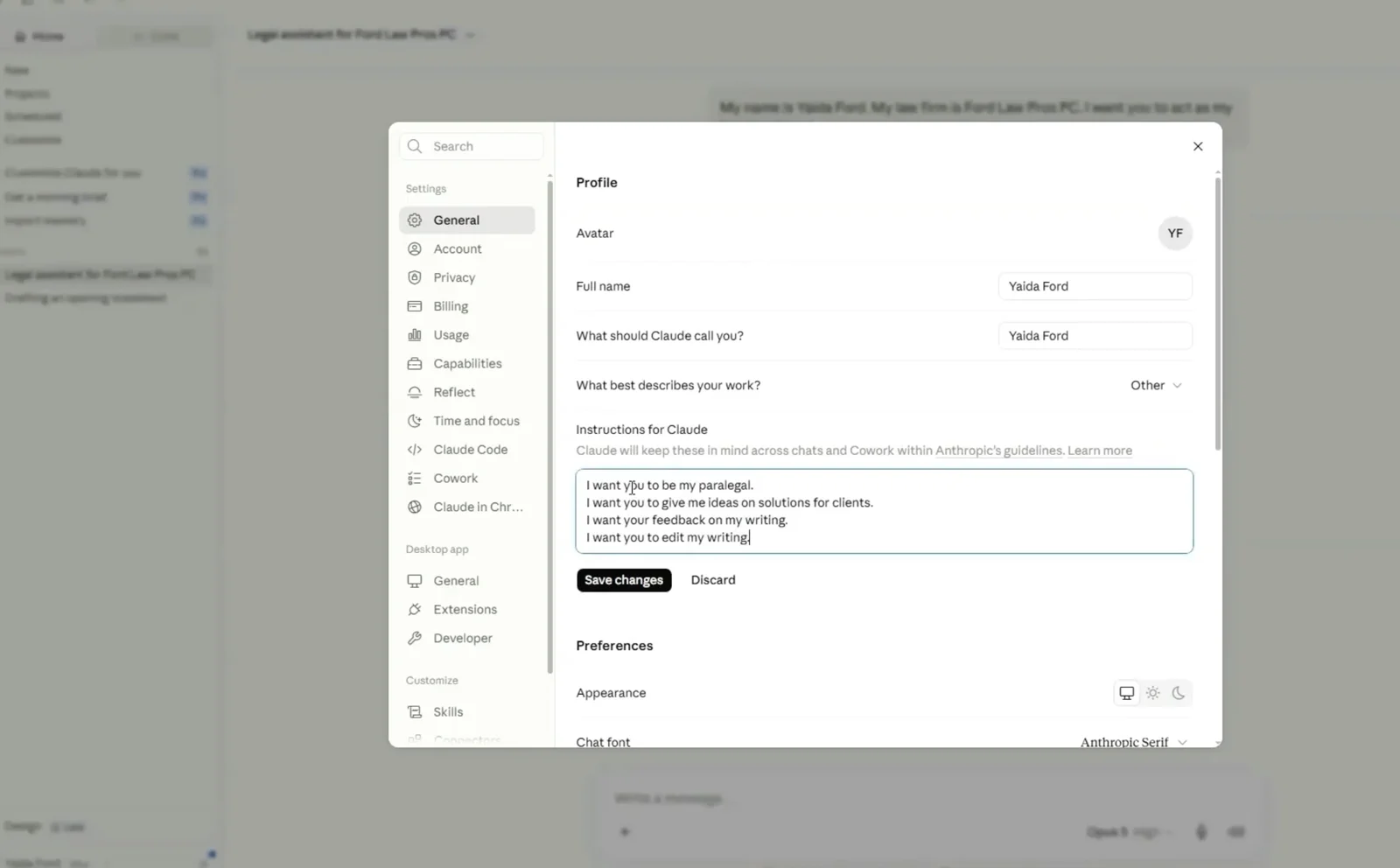
In Claude, open the account menu, choose Settings, and find Instructions for Claude. These instructions apply broadly, so keep client names, case facts, and strategy out of them. Put matter-specific context inside the relevant private project.
You assist a licensed lawyer. Treat every output as a draft for lawyer review.

Never invent facts, quotations, record citations, legal authorities, deadlines, or procedural requirements.

Separate: (1) facts supported by supplied material, (2) reasonable inferences, (3) open questions, and (4) items requiring independent verification.

When possible, cite the supplied page, paragraph, exhibit, or section. Identify contrary evidence and the strongest opposing argument.

Do not say that legal authority has been verified unless the user confirms verification in the firm's approved research system.
Anthropic distinguishes account-wide instructions from project instructions in its personalization documentation.
Step 4: Create one private workspace per matter
A long, general-purpose chat is a poor matter file. Create a private project using the firm's approved matter identifier. Restrict access to the assigned team, add project-specific instructions, and upload only the documents required for the task.
Separate matters
Do not mix documents, memory, or instructions across clients.
Limit access
Keep the project private to the people assigned to the matter.
Use copies
Work from a dedicated folder, not the firm's original document repository.
If Cowork is approved for the material involved, connect only a dedicated working folder. Anthropic's Cowork safety guidance recommends selective file access, backups, and oversight of consequential actions.
Step 5: Test one representative task
Start with a public, synthetic, or otherwise approved document that resembles the work the firm wants to improve. The expert-report task in Ford's session is a useful test because its output can be checked directly against the source.
Ask for a neutral summary, a page-linked opinion table, assumptions, omitted material, internal inconsistencies, and a chapter-based cross-examination outline. Require a separate list of every claim that still needs verification.
The test is not whether the output sounds sophisticated. It is whether the system preserves the record, exposes uncertainty, and saves reviewable time without creating a new source of hidden error.
Step 6: Make lawyer review part of the workflow
The generated document should return to a named lawyer before it is relied on, sent, or filed. That reviewer should check the record, quotations, citations, authorities, deadlines, local rules, contrary evidence, privilege, and strategic choices.
The ABA's Formal Opinion 512 applies familiar duties to generative AI: competence, confidentiality, communication, supervision, candor, and reasonable fees. The technology may change the first draft. It does not remove the lawyer from the chain of responsibility.
Frequently asked questions
Can lawyers use Claude for legal work?
Yes, but the firm must select and configure the service with reasonable care, protect client information, supervise its use, and verify consequential output. The appropriate configuration depends on the matter, jurisdiction, client requirements, and data involved.
Is a personal Claude Max account enough for a law firm?
It may be suitable for approved work with public, synthetic, or properly de-identified material. A firm handling confidential client information should separately evaluate commercial terms, administrator controls, retention, access, and its own professional obligations.
Can a personal injury firm upload medical records to Claude Cowork?
Not as a HIPAA-covered Cowork workflow under Anthropic's current documentation. Anthropic states that Cowork is not covered by its BAA. Firms should use an approved HIPAA-ready service and configuration before processing PHI.
Can a Claude-generated legal draft be filed without review?
No. A lawyer should verify the facts, record citations, quotations, authorities, procedural requirements, deadlines, and strategic choices before a draft is filed or sent.
Start with one governed workflow
Set up legal AI around the work your firm actually does.
Possible Minds helps personal injury firms choose a safe first workflow, define the review boundary, and build narrow AI systems around the firm's own operating process.
Discuss your first workflow