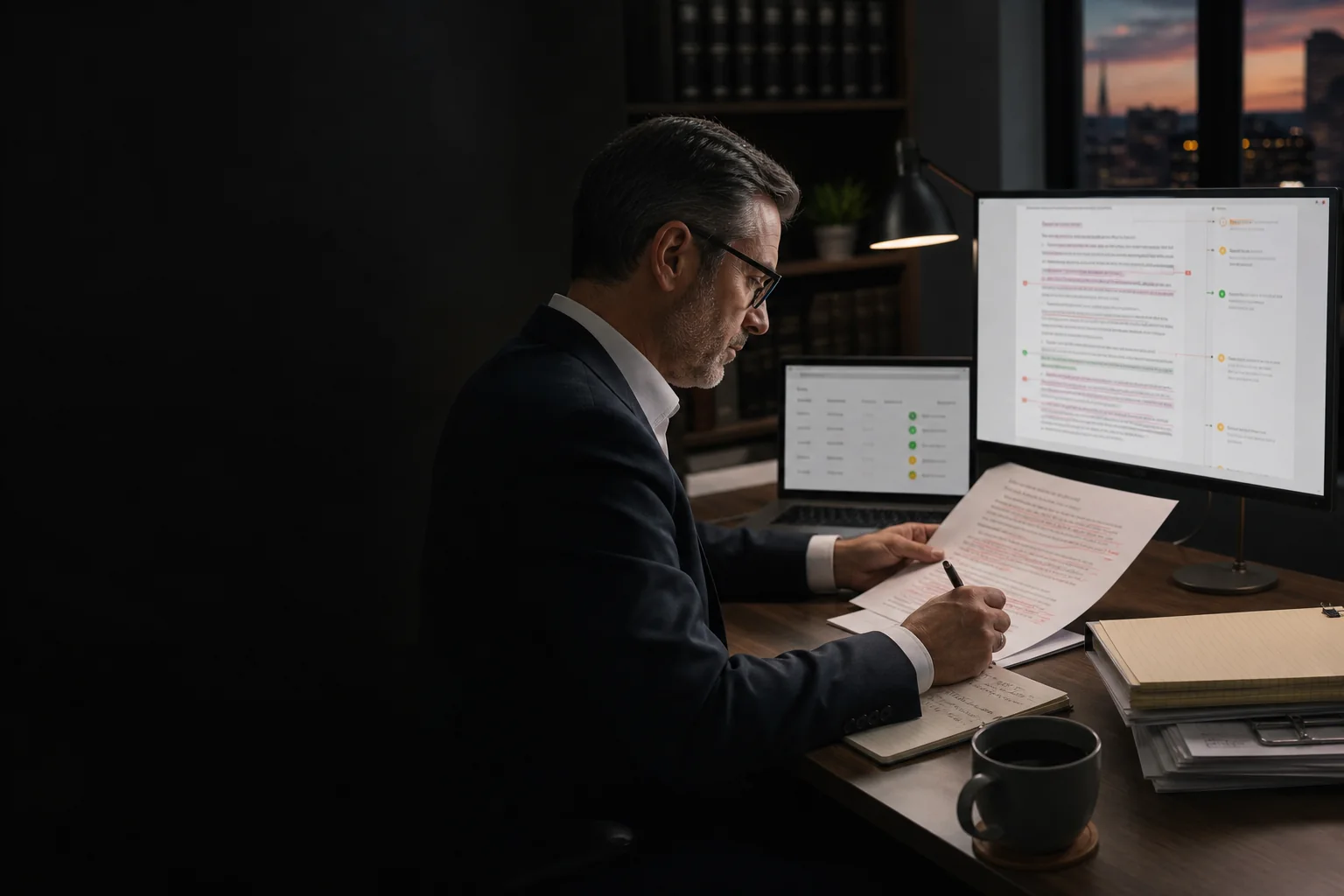
Claude's new marking policy has prompted an understandable question inside legal teams: will clients and counterparties be able to tell that AI helped with a draft?
They may not need a detector. AI use is already visible when a Word file arrives with an AI product listed as a comment author, internal review labels left unresolved, or an entire clause replaced to make one small substantive change.
The uncomfortable issue is not that a lawyer used Claude. It is that the document can reveal whether anyone exercised legal judgment over what Claude did.
What Claude's watermark actually means
Anthropic says supported Claude models use two forms of machine-readable marking: an imperceptible watermark embedded in generated text and signed provenance metadata attached to supported files. The text mark travels when text is copied and may survive some editing.
The important limitation is in Anthropic's own documentation. A detected mark is a signal that Claude may have processed the content. It does not establish full provenance or prove that Claude originated the ideas. A person may have asked Claude to proofread, translate, summarize, or convert material they already wrote.
The reverse is also true. No detected mark does not prove that AI was absent. Short passages, heavy editing, format changes, older models, and unsupported products or file types can weaken or remove the signal.
Source: Anthropic's current explanation of how Claude marks AI-generated content.
A watermark can indicate contact with Claude. It cannot measure the lawyer's contribution, review, or judgment.
How AI use is already visible
In a recent discussion, lawyer Xie Shern Kong argued that lawyers are already revealing AI use through the mechanics of negotiation. His examples are more useful than trying to identify a particular writing style.
Comments identify an AI tool as the author.
A whole clause is replaced even though the substantive change is minor.
Internal labels such as proposed change or required fix remain in the file.
Large groups of comments and edits carry the same timestamp.
None of those artifacts proves that the legal conclusion is wrong. They do suggest that the workflow stopped between generation and professional review.
The real risk is weak review
A firm can use Claude responsibly and still produce excellent work. It can also use Claude casually and send a document that is polished on the surface but operationally careless.
The distinction is supervision. Did someone confirm that the instruction was appropriate? Did a lawyer review the substantive change? Were defined terms, cross-references, citations, and knock-on effects checked? Did the document pass through an approved environment? Can the firm identify who approved the final version?
Anthropic's guidance for Claude in Word similarly tells users to review tracked changes, verify the output against the firm's playbook, use appropriate permissions, and maintain human oversight for client-facing work. Those controls matter with or without a watermark.
See Anthropic's Claude for Word guidance and its discussion of Claude configuration for legal work. These are Anthropic's descriptions of its own products, not legal advice for a particular firm.
A five-point Claude preflight
Before an AI-assisted legal document leaves the firm, require one short preflight. The goal is not to prove that no AI was used. It is to prove that the firm controlled the work.
- 01
Confirm the environment
Check that the lawyer used an approved Claude account, data setting, matter type, and source-document policy. Sensitive material should not enter an unapproved personal or third-party tool.
- 02
Compare the instruction with the result
If the request was narrow, the redline should be narrow. Investigate unnecessary clause replacement, changed commercial positions, or edits outside the assigned scope.
- 03
Check document integrity
Review defined terms, cross-references, numbering, dates, parties, citations, calculations, and conflicts with related provisions. Fluent language can still contain structural mistakes.
- 04
Remove operational debris
Inspect comment authors, unresolved internal notes, tracked changes, hidden text, document properties, timestamps, and attachments. The final file should contain only what the recipient is meant to see.
- 05
Record accountable approval
A named lawyer should approve the substance and final version. The firm should be able to explain the role Claude played and the human review that followed.
Turn personal usage into a firm workflow
Most firms begin with individual lawyers using Claude well. The next step is not a longer prompt library. It is a repeatable review system.
A firm-specific preflight agent can inspect the document, redline, metadata, and relevant playbook before transmission. It can flag an unexpected wholesale replacement, a broken cross-reference, an unresolved internal comment, or a deviation from the firm's standard position. It can route the exception to the right reviewer and preserve the approval record.
The agent should not decide whether the advice is correct or whether the document should be sent. That remains the lawyer's responsibility. The system makes disciplined review easier to perform consistently.
This is why the difference between an AI tool and an AI system matters. Claude provides a capable model. The firm still needs the rules, integrations, review gates, and accountability around it. Our companion essay explains why bespoke AI agents handle that last mile.
Do not build a system to hide AI use. Build one that makes the firm's supervision visible in the quality of the work.
Common questions
Claude watermarks and law firm review
Does a Claude watermark prove that AI wrote a legal document?
No. Anthropic says a detected mark indicates that content may have been processed by Claude. Claude may have drafted, proofread, translated, summarized, or reformatted material originally written by a person.
Will every Claude-assisted document carry a detectable mark?
No. Marking applies to supported models and file types. Anthropic also says short passages, heavy editing, format conversion, and unsupported surfaces can prevent reliable detection.
Should a law firm try to remove Claude watermarks?
That is the wrong operating objective. A firm should focus on approved use, substantive review, document integrity, clean metadata, and accountable lawyer sign-off rather than evading provenance signals.
Should lawyers disclose that they used Claude?
That depends on applicable professional rules, court requirements, client instructions, engagement terms, and the nature of the use. Firms should establish a policy with their own ethics and risk advisers rather than relying on a universal answer.
Can a law firm automate the review of Claude-assisted documents?
A firm can automate preflight checks for unresolved comments, metadata, defined terms, cross-references, playbook deviations, and unexpected changes. A qualified lawyer should still approve the substance and final work product.
Make Claude use reviewable by design
Possible Minds helps law firms convert informal AI use into governed, firm-specific workflows with clear review gates and human ownership.
See how an AI engagement works