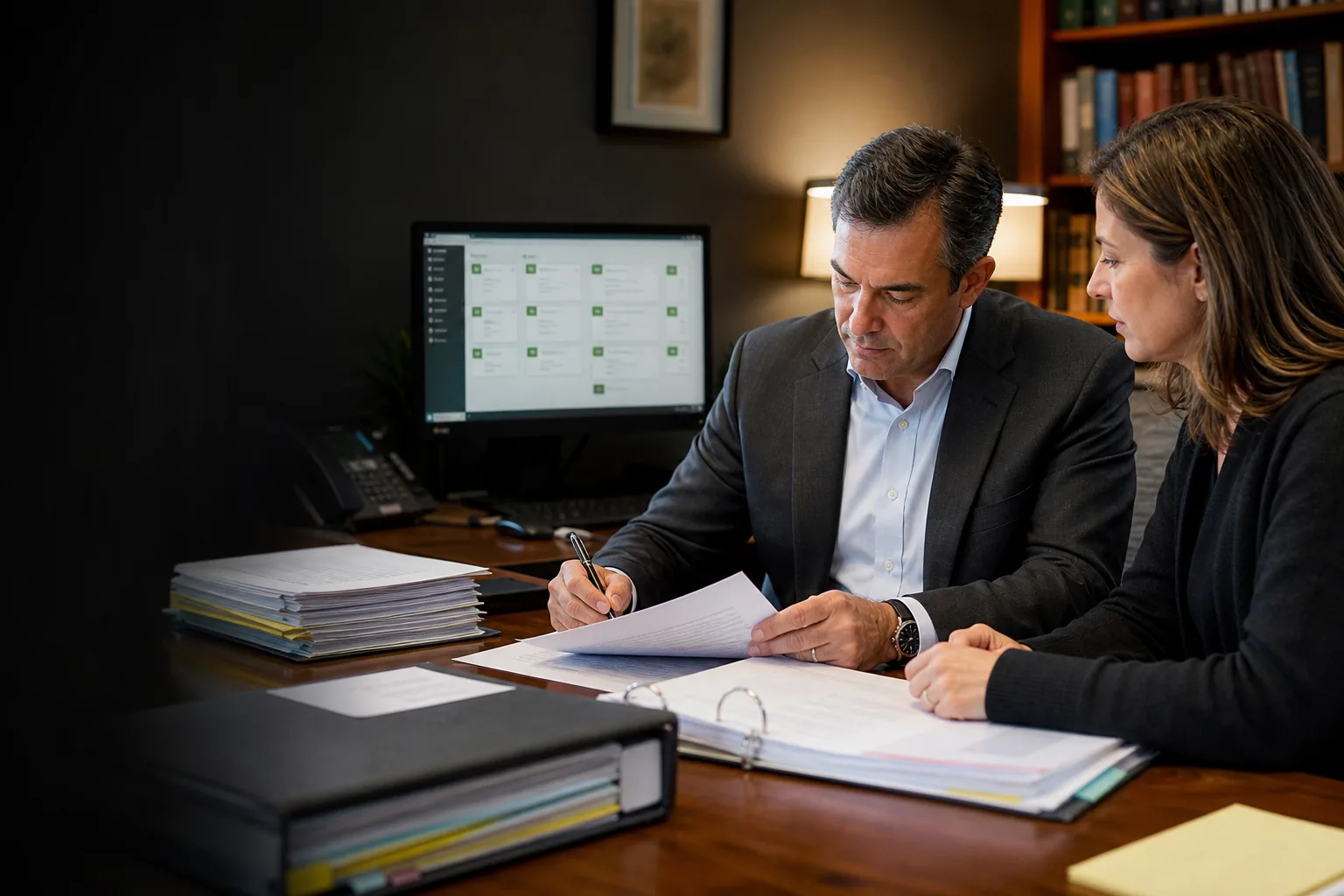
In a recent video walkthrough, San Antonio personal injury trial lawyer Jacob Cukjati opened with a completed piece of work: a proposed docket control order, an agreed motion, and a notice of hearing.
His assistants had supplied the petition, the defendant's answer, and the available trial dates. A Claude Cowork skill assembled the first packet in about 10 minutes. Cowork is Anthropic's agentic work interface for multi-step tasks; it is distinct from Claude Projects and is not a third-party product. Jacob then adjusted the deadlines and reviewed the documents before they went any further.
Cukjati Law Firm is small: a couple of paralegals and several lawyers working of counsel. Jacob also has four children under three at home. The video is a close look at what happened when that firm applied AI to the work already passing through its desks.
From five to seven documents a day to 12 to 15
Before the new workflows, Jacob said his assistants would typically send him about five to seven documents to review in a day. After they began using the saved skills, the daily volume was roughly 12 to 15.
“Now I'm getting 12 to 15 documents a day to review ... because they're able to just crush these tasks.”
The figures are Jacob's account of his own firm, not a controlled benchmark. What changed is visible: the assistants assembled more work, while the documents still arrived at the lawyer's desk for review.
A scheduling packet in about 10 minutes
The scheduling workflow was one of four examples shown in the walkthrough. Each began with material the firm already used and ended with something a lawyer or paralegal could inspect.
About 10 minutes to a first scheduling packet
The firm supplies the petition, the defendant's answer, and trial-date availability. The lawyer said a saved Claude skill can prepare the proposed docket control order, agreed motion, and notice of hearing in about 10 minutes. He still checks every deadline before filing.
A medical chronology without rebuilding every record
The custom portal can accept a multi-file record set, organize dates of service, diagnoses, procedures, complaints, and recommendations, and produce a reviewable treatment summary. In the demonstration, a small mock packet processed in about five minutes; larger files can take longer. Staff verify the result against the records.
Demand packages reach lawyer review sooner
A reusable skill combines the crash report, petition, photographs, witness material, damages information, applicable rules, adjuster details, and an approved medical summary. Faster assembly can help the firm send demands and resolve appropriate cases sooner, while creating capacity for more clients and referral matters.
Expert preparation becomes broader and faster
The system compares an opposing doctor's report and prior testimony with public videos and transcripts. It identifies possible inconsistencies and exact timestamps, giving the lawyer a practical research lead to verify before the deposition.
The firm's own work became reusable
Jacob began as a conventional chat user. After seeing another lawyer prepare bench-trial briefs with Cowork, he learned to turn recurring work into saved skills. With help on the first workflows, he began creating his own.
The demand workflow drew from the firm's petition, crash report, photographs, damages checklist, witness material, Texas rules and transportation law, adjuster information, and its existing demand form. The output carried the firm's letterhead and familiar structure because those materials were already part of the workflow.
The reusable asset was not a generic prompt. It was a working record of how this particular firm assembled a document. That is the same distinction explored in our essay on bespoke AI agents for PI firms.
A separate lane handled medical records
The firm did not place identifiable medical records into its normal Cowork workflow. The walkthrough showed a separate portal that processed the record packet and produced a structured summary for review.
Open drafting lane
Instructions and non-sensitive material
- Blank templates and formatting rules
- Public statutes, rules, and expert content
- Synthetic examples and approved test files
- Properly de-identified summaries
Protected processing lane
Medical records and identifiable client data
- Approved vendors and executed agreements
- Restricted access and encrypted storage
- Controlled model and retention settings
- Audit logs, deletion rules, and human review
The architecture described in the walkthrough used a private portal, AWS services covered by an executed BAA, and a Claude model accessed through Amazon Bedrock. Amazon lists Bedrock as HIPAA eligible. Any Vercel deployment that receives or transmits PHI would also need the appropriate agreement and configuration.
In the demonstration, a synthetic record packet reached “ready for review” in about five minutes. Larger packets could take longer. The team could inspect the chronology, add notes, export it, and confirm the final document. Anthropic currently excludes Cowork from its BAA coverage, so moving an output into Cowork depends on proper de-identification. HHS recognizes Safe Harbor and Expert Determination as the two methods. Under Safe Harbor, identifiers can also include detailed dates, contact and account numbers, smaller-than-state geographic data, medical-record identifiers, full-face images, and other unique identifiers. The complete HHS standard, not this short list of examples, controls the analysis.
The team changed its mind by using it
Jacob described some initial discomfort when Cowork first reached the rest of the team. The change did not come from a policy memo or a firm-wide transformation program. It came when staff saw familiar documents appear faster.
Once the assistants saw the output, Jacob said they began finding other uses within their paralegal work. Adoption followed the work: the skills reduced assembly time on tasks the team already understood, and the results were immediately visible in the review queue.
The faster demands also changed the range of matters the firm could handle. Jacob said quicker medical summaries and demand preparation let the litigation-focused practice move cases sooner and created more capacity for pre-litigation and referral matters.
The faster workflow still ended with the lawyer
Every example in the walkthrough stopped at a review point. Jacob changed scheduling deadlines, checked the medical chronology against the records, edited the demand, verified expert material, and decided what left the firm.
His referral-heavy intake process remained deliberately human. He did not want AI sending messages without permission. The automation sat behind the client relationship, preparing the material on which legal judgment could operate.
The result was not a lawyerless firm. It was the same small team putting more finished work in front of its lawyer each day.
The Possible Minds approach
The work already happening becomes the system.
Jacob's system worked because it was not one undifferentiated AI tool. Routine document work and protected medical information followed different paths, with review points before anything consequential left the firm.
Possible Minds helps PI firms map and build these firm-specific workflows, data boundaries, and review controls around the way their teams already work.
Discuss a PI workflowThis article discusses operational design, not legal advice. HIPAA applicability and professional obligations depend on the firm's role, jurisdiction, agreements, data, and implementation. Firms should obtain appropriate legal, privacy, and security review before processing client information with AI.